Getting set up
Charge it and prop it up
A stand, or a book to lean it on, means nobody has to hold it. Keep the charger near the favourite chair.
Check the connection
Try it where they'll actually sit. If the picture is poor, closer to the router often helps.
Choose one app
Pick the one most of the family already uses, and put it where it's easy to find on the home screen.
Make calling simple
Save the family as favourites, with their names, so it's one touch to call.
Practise together
Do a test call with someone they know. Practising until it feels easy is the whole trick.
Making the first call easy
- Agree a time, and keep the first call short.
- Sit in good light, with the screen at eye level.
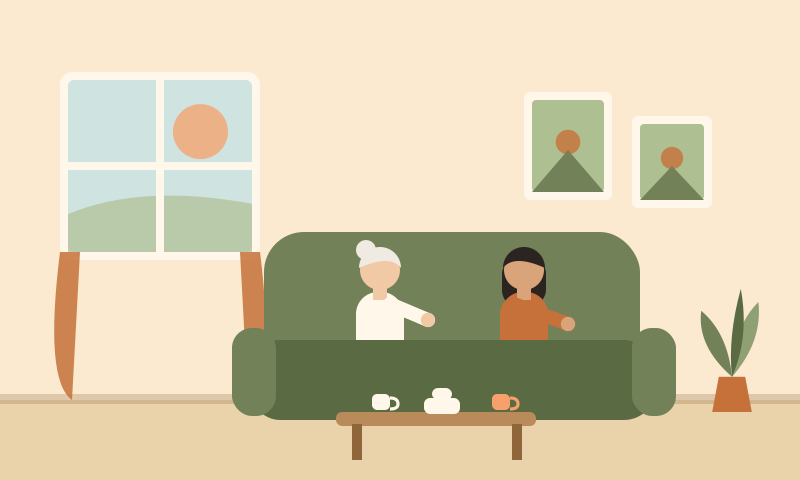
- Have a cuppa, and invite them to do the same.
- Ask them to show you something: the garden, a pet, the view.
- Smile and wave when it connects. It's the little things that make it feel like a visit.
When it goes wrong
Can't hear
Turn the volume up, and check the phone isn't on silent.
The picture freezes
Hang up and call again. If it keeps happening, move closer to the router.
Pressed the wrong thing
It's easy to do, and it's never a problem. Ring on the phone and talk them through it.
The call drops
Ring back, or phone instead. The point is the chat, not the technology.
A safety tip
If someone unexpected calls or messages asking for money or personal details, hang up and ring a family member.
Keeping it up
- A regular call on the same day and time each week.
- Photos, shared by message, between calls.
- Group calls for birthdays and special days.
- Short check-in calls, as well as long ones.